Underwater Photography
The iPhone 18 Pro Max Has Manual Mode. It Still Has No ISO.
Apple gave you aperture and shutter speed and kept ISO for itself. On a phone's small sensor, that's the setting that decides how clean your picture is.
The iPhone 18 Pro Max's Camera app has manual aperture and shutter speed, but no manual ISO. When you fix the other two, the phone raises or lowers ISO on its own to compensate. On a small phone sensor, a higher ISO means visibly more noise, so you can lose image quality without being asked. To choose ISO yourself you need a third-party camera app: Diving Standard's camera (free, with Apple's familiar layout), Halide or ProCamera.
- Apple manual
- Aperture, shutter, WB
- Apple ISO
- Always automatic
- Why it matters
- Noise on a small sensor
- Fix
- A camera app with manual ISO
When Mat Mora, Diving Standard's founder, got an iPhone 18 Pro Max, the manual controls were the part Mat was most excited about. The first real test was a proper shot of the moon. The phone chose a high ISO on its own, the picture came out grainy, and there was nothing in the app that would let Mat tell it otherwise.
That's not a bug. It's how Apple designed Pro Controls: you choose two corners of the exposure triangle, and the phone chooses the third. Tom's Guide spelled it out at launch. Fix aperture or shutter speed, and ISO moves to compensate.
What "manual" means on the iPhone 18 Pro Max
| Control | Apple Camera app | Diving Standard camera |
|---|---|---|
| Aperture | Manual, f/1.48 to f/4 | Manual, on the variable lens |
| Shutter speed | Manual, 1/16000 s to 1 s | 1/70000 s to 1 s, then 2 to 8 s stacked |
| ISO | Automatic | Manual |
| White balance | Manual | Manual, Kelvin, depth presets, grey card |
| Histogram | Yes | Yes |
Two out of three is closer to a priority mode than to full manual. For a lot of shots that's fine. For the ones where you care about quality, it's the wrong corner to give away.
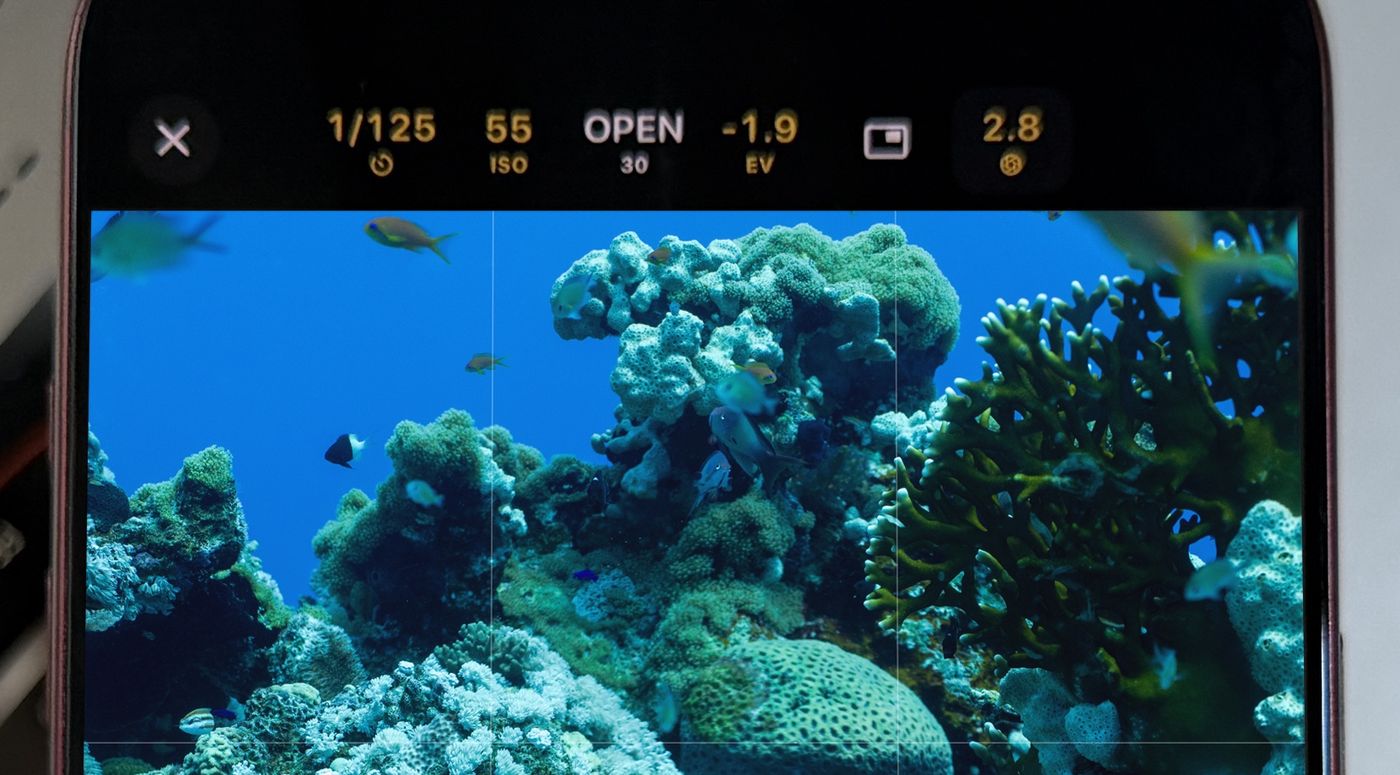
Why ISO matters more on a phone
ISO is amplification. The sensor collects light, and ISO turns the signal up. Turn it up and you also turn up the noise. A phone sensor is tiny next to a dedicated camera's, so each pixel gathers less light to start with, and that noise shows up sooner. Keeping ISO low is one of the simplest ways to get a cleaner, more detailed file out of a phone.
- Low light and night skies. The phone reaches for a high ISO to hold your shutter speed. You get the brightness and the grain. Mat's moon shot is the textbook case.
- Video that breathes. With ISO on auto, brightness drifts as the scene changes, so a clip pumps lighter and darker mid-shot.
- Shots that don't match. Two frames of the same scene, a second apart, can come out at different ISOs. That makes editing a series a chore.
- Underwater. Light changes with every metre and every turn of your body, and a video light changes it again. A locked ISO lets the light do the work instead of a meter chasing it.
The fair counterpoint: phones combine several frames to hide noise, so ISO matters less than it does on a big camera. True, and that processing can smear fine detail too. Choosing a low ISO gives it less to clean up.
How to set ISO yourself
- Install a camera app with manual ISO: Diving Standard (free), Halide or ProCamera. Ours keeps the layout of Apple's camera, so you're not learning a new app.
- Set the shutter first: Fast enough to freeze your subject for photos. For video, about double the frame rate: 1/60 s at 30 fps.
- Choose the aperture for the look: f/1.48 lets in the most light. f/4 gives you more depth of field.
- Set ISO last, as low as the light allows: Raise it only until the histogram sits where you want it, then leave it. Your exposure stays put.
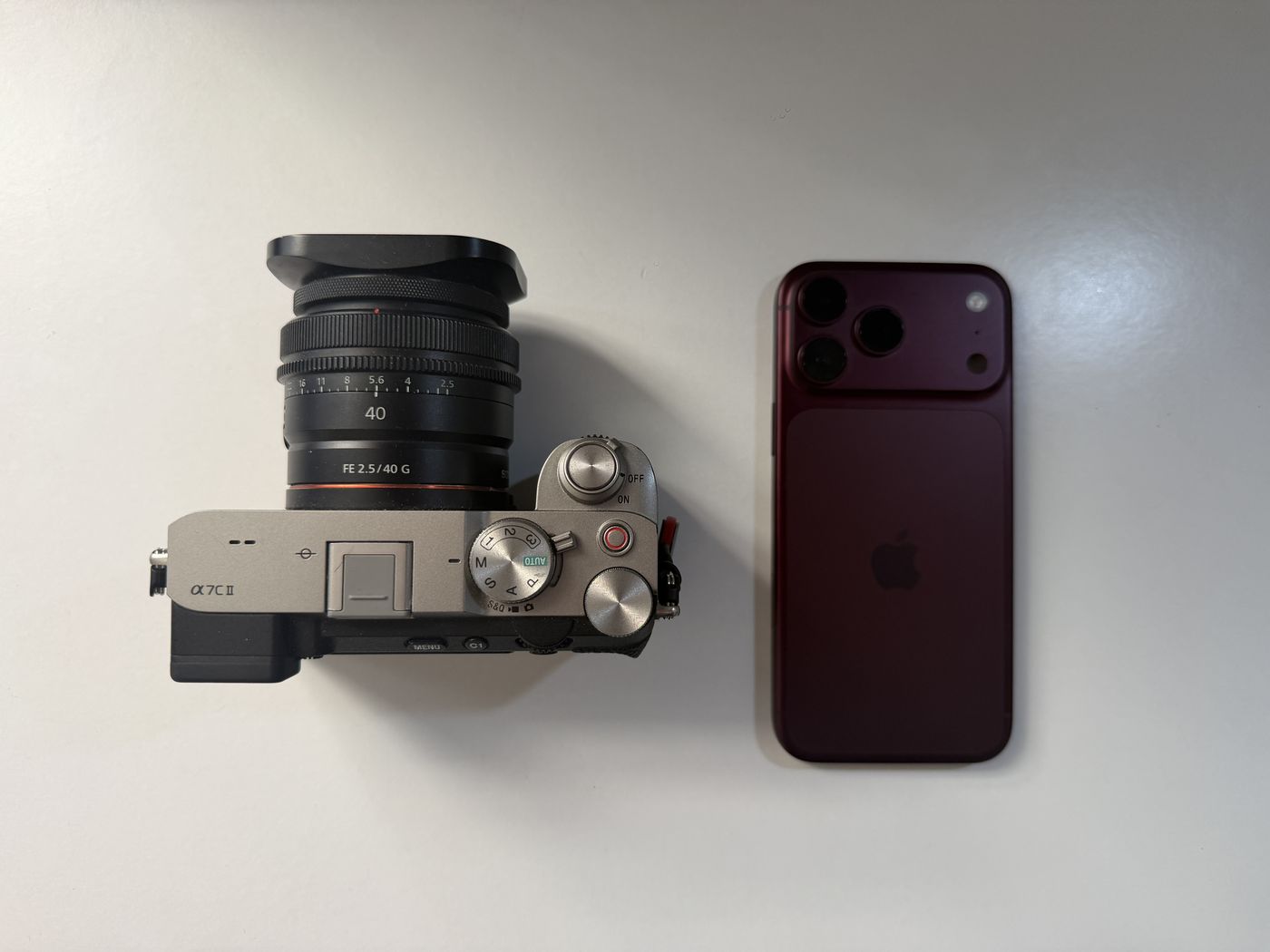
Not sure which app to install? We compare the options in the best camera app for iPhone 18 Pro Max.
Choose your own ISO
Diving Standard's camera adds the ISO control Apple left out, plus shutter speeds from 1/70000 s to 8 s. Free on iPhone.
Download on the App StoreFrequently asked questions
Does the iPhone 18 Pro Max have manual ISO?
Not in Apple's Camera app. Pro Controls give you aperture, shutter speed and white balance, and ISO stays automatic. Camera apps such as Diving Standard, Halide and ProCamera add manual ISO.
Is Pro Controls real manual mode?
It's manual for two of the three exposure settings. Because ISO always adjusts itself, it behaves more like a priority mode than full manual.
Does lower ISO really improve phone photos?
Generally, yes. ISO amplifies the sensor's signal and its noise together, and a phone's small sensor shows that noise sooner than a large camera's. Keeping ISO low gives you a cleaner starting point.
How do I set ISO manually on iPhone 18 Pro Max?
Use a camera app with manual exposure. In Diving Standard's free camera, open the ISO control, dial in a value and it stays there while you shoot.
Why does auto ISO ruin underwater photos and video?
Underwater light changes with depth, angle and any light you carry. Auto ISO chases those changes, which adds noise and makes video brightness pump. A locked ISO gives you a steady exposure.