Android
The Best Underwater Camera App for Android
Water steals red, and your phone, which thinks it's on land, doesn't know how to get it back. The Android camera apps that help, and what to check about your phone first.
The best underwater camera app for Android depends on your phone and on whether you want to fix colour while you shoot. Diving Standard's camera shows corrected True Colour live in the viewfinder, uses white balance made for water, and gives you manual ISO and shutter on phones that support them. Open Camera is a free manual camera with RAW, ProShot and Camera FV-5 are polished paid options, and Lightroom Mobile shoots DNG and edits well. Manual control depends on your phone's Camera2 support, and you'll need a housing below snorkelling depth.
- Live underwater colour
- Diving Standard
- Free manual + RAW
- Open Camera
- Paid, polished
- ProShot, Camera FV-5
- Depends on
- Your phone's Camera2 support
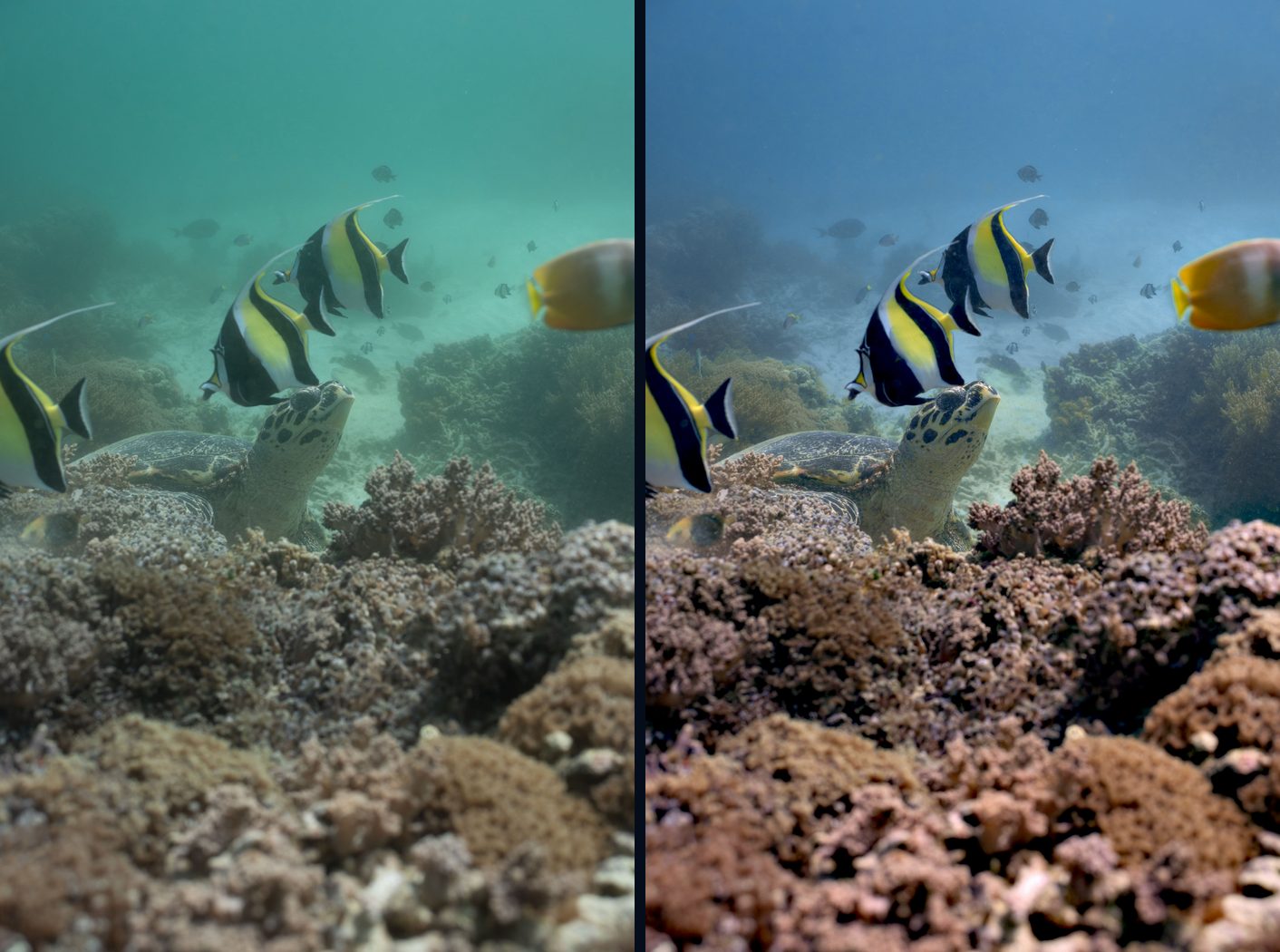
In clear, shallow water, a good Android phone takes lovely underwater pictures. Then it hits the problem every phone has: it assumes it's on land. Its auto white balance takes the blue as the real colour of the scene, and you surface with flat, cyan photos. The app you shoot with decides whether you can see, and keep, the colour that was really there.
First, check what your phone allows
Manual ISO and shutter on Android depend on the phone's Camera2 support. Flagships usually expose full manual control. Many mid-range phones report a limited camera and only allow some controls. If a manual control is missing in every app you try, it's the phone, not the app.
The apps compared
Diving Standard
Best for: Seeing the real colour live, in one free app
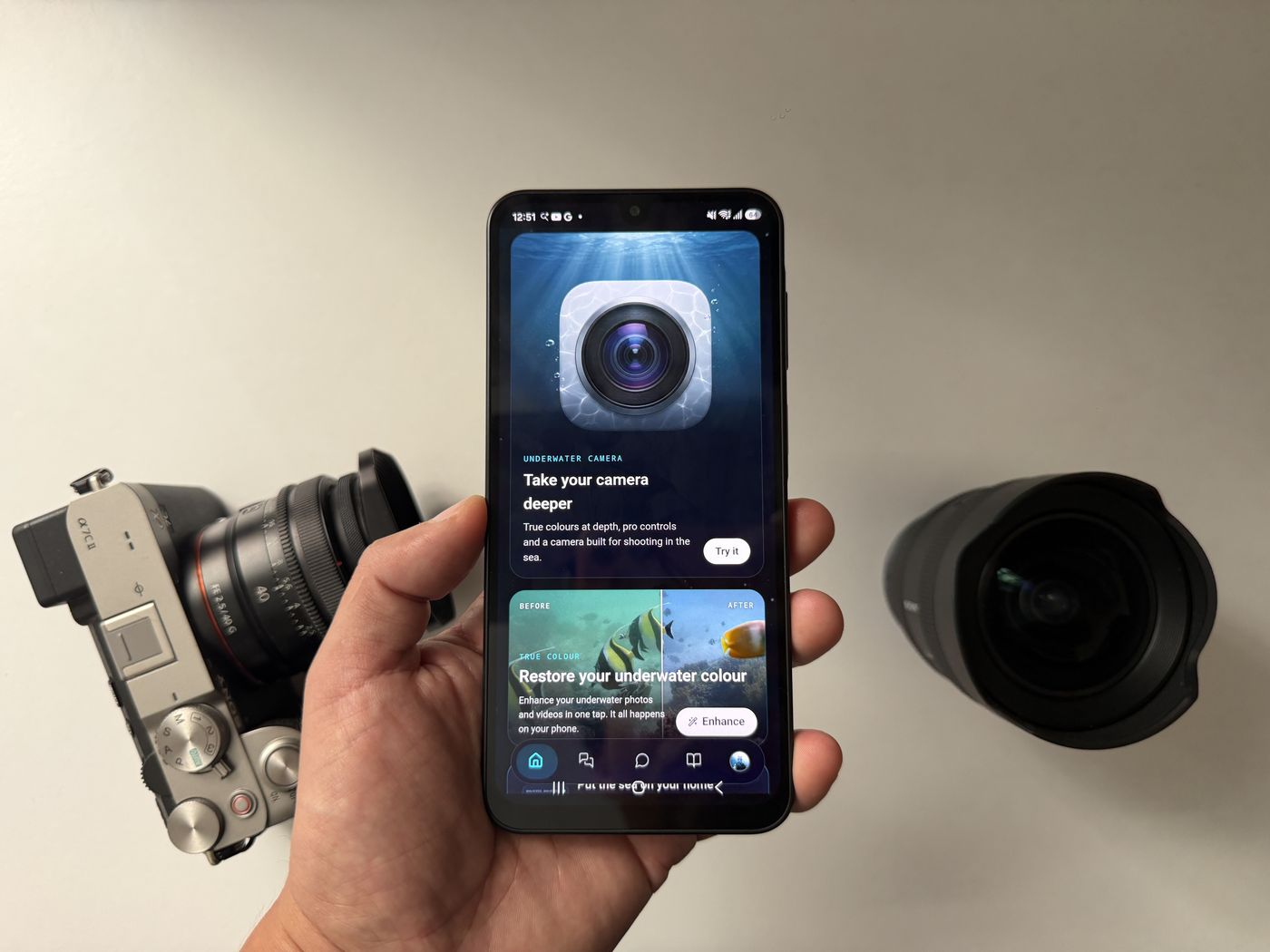
A camera built for the sea: True Colour correction live in the viewfinder, white balance tuned for water and depth, a histogram and six looks, with manual ISO and shutter on phones that support manual sensor control. Where your phone is limited, the panels tell you what isn't available and you still get live True Colour. Photos are graded on the phone at around 12 MP.
Open Camera
Best for: A free, full-featured manual camera
Free and open source, with Camera2 manual ISO and shutter, DNG RAW, exposure bracketing, a histogram and focus peaking. No underwater colour tools.
ProShot
Best for: Pro controls with a clean layout
A paid camera with auto, program, manual and custom modes, RAW and full manual control for photo and video.
Camera FV-5
Best for: Shutter and ISO priority modes
A paid camera with precise control over shutter, ISO, white balance and focus, and priority modes.
Adobe Lightroom Mobile
Best for: Shooting DNG and editing in one place
Shoots DNG with manual control, with strong editing tools for correcting colour afterwards.
Diving Standard is our app, so we're not neutral. We've kept the facts on the others accurate; check each listing for current pricing.
Tips for better underwater shots on Android
- Use a proper housing for anything deeper than snorkelling. Touchscreens don't work reliably through one, so set your exposure first.
- Set white balance for water, not land. Use a depth preset, a Kelvin value or a grey card.
- Get close, stay shallow, keep the sun behind you. Red is mostly gone by 5 m.
- Shoot RAW if your phone and app allow it, so a colour correction has more to work with.
- Add light for anything deeper than a few metres.
The physics and the fix are explained in why underwater footage looks blue, and the technique in how to improve underwater photos. The principles are the same on Android.
See the real colour while you shoot
Live True Colour, white balance for water and manual control on supported phones, free on Android. Download Diving Standard from Google Play.
Get it on Google PlayFrequently asked questions
What is the best camera app for underwater photos on Android?
For live underwater colour correction, Diving Standard's camera. For manual RAW, Open Camera is a strong free option. ProShot and Camera FV-5 are polished paid choices.
Why do my underwater Android photos look blue?
Water absorbs red light within a few metres, and your phone's white balance is built for land, so it takes the leftover blue as the true colour. A camera with white balance for water and colour correction fixes most of it.
Why is manual ISO missing on my Android phone?
Manual ISO and shutter depend on the phone's Camera2 support. Some phones only expose limited controls, to every app.
Does Diving Standard's camera shoot RAW on Android?
Diving Standard's Android camera grades photos on the phone at around 12 MP and focuses on live underwater colour. For DNG RAW, apps such as Open Camera or Lightroom Mobile are better suited.